
Some archives equipment rooms have only one utility feed and have never had a UPS. Some rooms do have a UPS standing next to the cabinets, but the battery age, capacity-test records, and the most recent transfer test cannot be found. In neither case is it enough to look only at “whether the equipment is there.” The power path and backup capability have to be judged together with the current load, equipment maintenance status, and the interruption time the business can tolerate. A UPS being present does not mean the battery capacity is still enough to carry critical systems until a generator starts or until the business exits safely. In the equipment-room power and environment solution package, Guangzhou Tongwei Smart Technology Co., Ltd. (Tongwei Smart) connects utility power, the UPS status that can be obtained, and operations records into the same monitoring path, so that power loss and abnormalities can be seen, notified, and left with a handling record. Industrial-grade AIoT can help organize this data. It cannot replace capacity design by power-distribution specialists, and it cannot pass an estimate off as backup runtime. What IoT does here is status visibility and alarm close-out, not a rebuild of the power system.
List the power source, battery maintenance, and the interruption time the business can tolerate separately
Check the power-distribution diagram, UPS model and installation year, maintenance contract, alarm records, and the interruption time that the archival system, digitization work, and remote access can each accept. These items often belong to different departments and need to be aligned on one sheet. The conditions for battery testing, capacity testing, and transfer testing must be set by qualified power-distribution personnel. Do not cut the input during business hours just to “see whether it can still hold.”
If the site currently has a single utility feed and no UPS, or the UPS is already clearly past its maintenance interval, write the risk to the responsible person as it is. Do not install a monitoring system first and then imply that the power problem has been solved. Monitoring can make the next abnormality found earlier. It does not fill in a missing backup path.
If drawings or maintenance records cannot be found for the moment, mark them as pending verification in every case. A “green light” seen on site only shows that there is output or utility power at that moment. It cannot be written down as battery health or sufficient backup.
In an archives building, equipment-room power may also share an upstream circuit with repository air conditioning, humidification and dehumidification, or the building’s common load. When assessing backup power, look separately at “the feed the equipment room can see” and “the actual power source,” and ask electrical staff to trace upstream when needed. If monitoring points are installed only on the equipment-room incomer, they do not reflect risk on the shared upstream section. Write that in the ledger, so that locally visible status is not written up as reliability of the whole path.
On a site with no generator or transfer device, monitoring must not be taken to mean that long-duration continuous power is already available. Its role is to find utility and UPS abnormalities as early as possible, so the business can save, exit, or send people to respond under the existing plan. The plan itself, and whether people can reach the site, remain matters of management rules.
Collect what can be collected, keep what cannot be collected as unknown, and follow a specialist design for expansion and replacement
Within the authorized scope, connect utility status, UPS run or fault signals, and battery-related data the manufacturer has opened, through a smart IoT gateway. An equipment room or power room with concentrated cabling suits an SG series rack-mount edge gateway. For a small UPS inside an integrated cabinet, the BEC series can be evaluated. When there is no communication card, dry contacts or an external meter can be evaluated to reflect digital states such as utility abnormality, fault, or bypass. That is not the same as already having battery capacity and remaining time. When the network is down, the gateway can cache data as configured and backfill after recovery, so the outage period does not become a blank in the record.
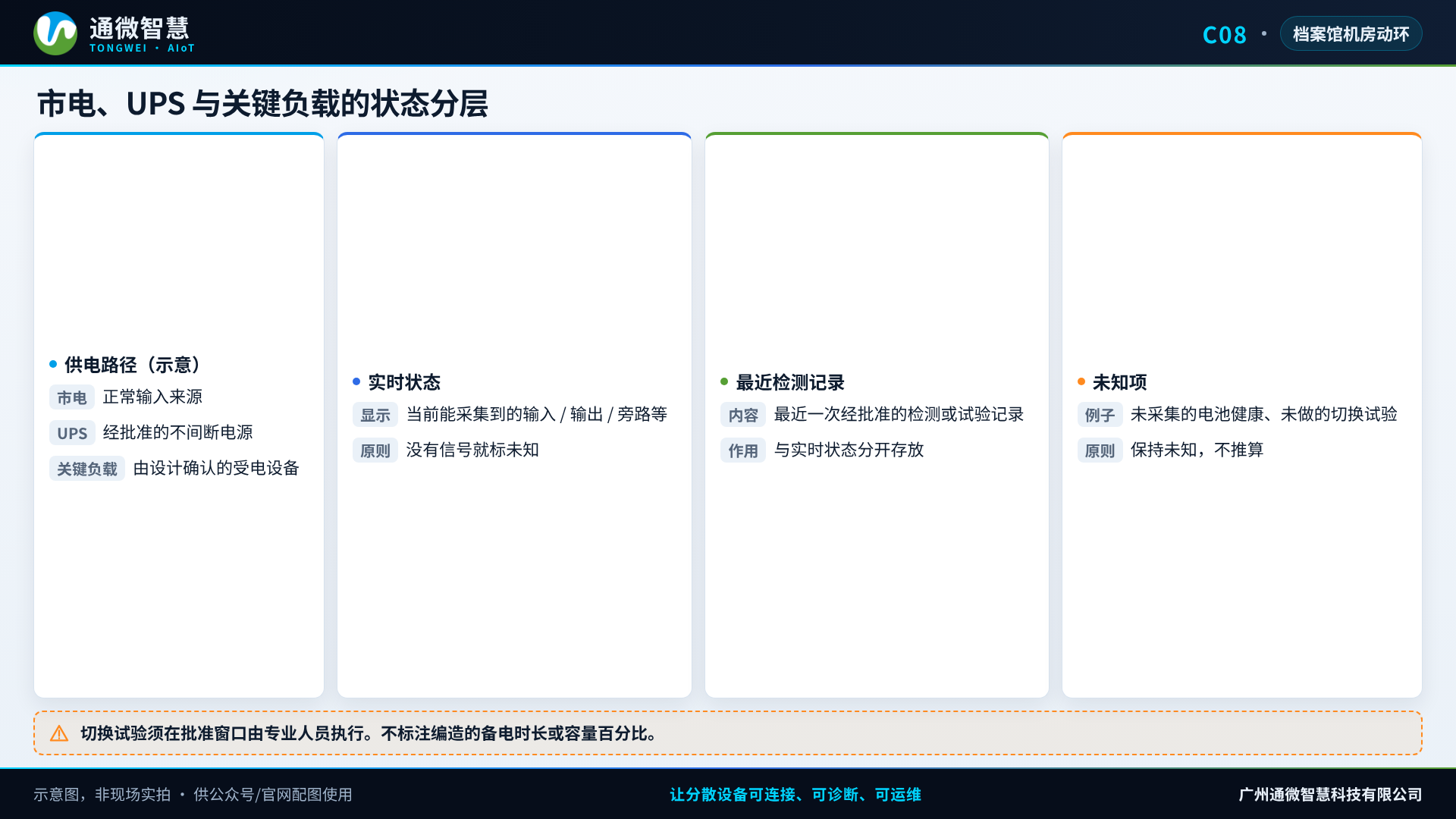
At this layer, Tongwei Smart’s advantage is connecting power abnormalities, notification, and work orders, and allowing deployment in a local or private environment, with forwarding to multiple management centers when needed. The platform should distinguish clearly which items are real-time status, which come from the latest specialist test, and which are entirely unknown. Remaining runtime cannot be “inferred” from input voltage, and one successful transfer demonstration cannot be written up as a long-term capability. AIoT reports can summarize utility-interruption counts, UPS alarms, and maintenance work orders that are not closed, for the monthly report, but they do not give a capacity percentage that has not been tested.
Alarm grades should be set against power risk. Utility interruption, UPS fault or bypass, and abnormal critical output should reach the person on duty and the electrical maintenance staff immediately by SMS, phone, or WeChat, and escalate when nobody confirms. Abnormal battery temperature or overdue maintenance can enter a planned work order as agreed. A failed notification send must be detectable. Monitoring does not replace the UPS’s own protection or distribution protection. Remote start, stop, or transfer must first have permissions, audit, and original-system responsibility defined. The default is read-only.
Testing can only be done in an approved window, under the plan
Specialists carry out the test and the review in an approved outage or transfer window, and record the load, duration, recovery steps, and participants. The emergency contact list must be confirmed as still valid before the test. No article and no monitoring screen can be treated as permission to open a breaker on site. Items that cannot be measured stay unknown. Do not fill the report with values from experience.
Day to day, checks that do not interrupt the business can also be scheduled: whether the panel status matches the platform, whether the alarm channel can be delivered, and whether overdue maintenance has already become a work order. These checks do not replace periodic specialist testing.
Run power status and the notification path through for one equipment room first
Hand the power diagram, UPS documents, maintenance records, and the interruption time the business can tolerate to Tongwei Smart, and first complete read-only connection of the signals that can be obtained, an alarm drill, and marking of unknown items in one equipment room. In equipment-room power and environment work, Tongwei usually finishes this step first, then discusses with electrical specialists whether further testing, correction, or a backup-power scheme assessment is needed.